
NI Number Encryption to Ensure Accurate Profile Identification
Why the NI Number Field Was Introduced for Accurate Profile Identification
The National Insurance (NI) number field was introduced at the request of NHS Trust clients who required a reliable method to prevent duplicate Profiles and accurately match data with internal HR and learning systems. Names, email addresses and other fields can change; NI numbers do not. If an individual attempts to create a second Profile using the same NI number, the system blocks it immediately, ensuring consistently high‑quality workforce data.
Many NHS Trusts require staff to complete mandatory and other essential training before their first day of employment. However, many new starters will not yet have an ESR number because the Trust’s internal HR processes— which vary between organisations—may not have been completed in time for induction. In addition, large cohorts such as military personnel, outsourced staff, university students, and volunteers are not on ESR at all and therefore do not have an ESR number.
To help illustrate these onboarding and data‑matching challenges, you can view this animated explainer video. It demonstrates the timelag issues inherent in ESR and shows how CATQR captures every attendee in real time.
The Profile ID is the unique identifier for an individual’s Profile Account. Only a pseudonymised, encrypted version of the optional NI number is ever stored in the system. This design ensures long‑term data integrity: names, email addresses and other fields can change over time, creating duplicate records, fragmented histories and undermining the validity of portable evidence required under the GDPR Right to Data Portability.
GDPR-Compliant NI Number Pseudonymisation (Encryption)
The NI number field is protected using our advanced encryption algorithm, and critically, the raw NI number is never stored in the database. Access to the separate decryption tool is strictly limited to an authorised NHS Trust administrator—typically a data analyst—who must authenticate using Multi‑Factor Authentication. This controlled access allows the Trust to decrypt NI numbers only when necessary to reconcile Profile records with internal HR or Learning Management Systems.
If an individual attempts to create a second Profile using the same NI number, the system blocks it immediately, preventing duplicates and maintaining consistently high‑quality data. The NI number field is protected using our advanced encryption algorithm, and the raw NI number is never written to the database. The resulting 15‑character Profile ID is derived from billions of possible combinations, providing a highly robust, collision‑resistant identifier.
When individuals enter made‑up NI numbers, the risk of duplicate Profiles and fragmented attendance records increases, particularly when staff move between NHS organisations. If an individual chooses not to use their real NI number, they must create a unique number using the NI number format (2 letters, 6 numbers, and 1 letter) that has never been used before. With billions of possible combinations, the risk of collision is low but not zero.
To support clarity at registration, the on‑screen instructions state:
If your employer asks for your National Insurance (NI) number, it is to make sure their records match up properly. If an incorrect NI number is provided, you will appear as non‑compliant in your employer's training system. If you don't want to provide it, you can create one using the NI number format and change it any time. To protect your data, decryption of your actual NI number is strictly restricted by your employer.
Enter your NI number (2 letters, 6 numbers, and 1 letter), then select 'Encrypt' and finally 'Save'.
Profile Data Fields Stored (Personal, Non-Personal and System-Generated)
All data fields stored in the system for an individual’s Profile.
- First name
- Last name
- Student number (Optional)
- Position title
- Department
- Employee number (Optional)
- Organisation
- E-mail address
- Profile ID (system generated from the encrypted NI number)
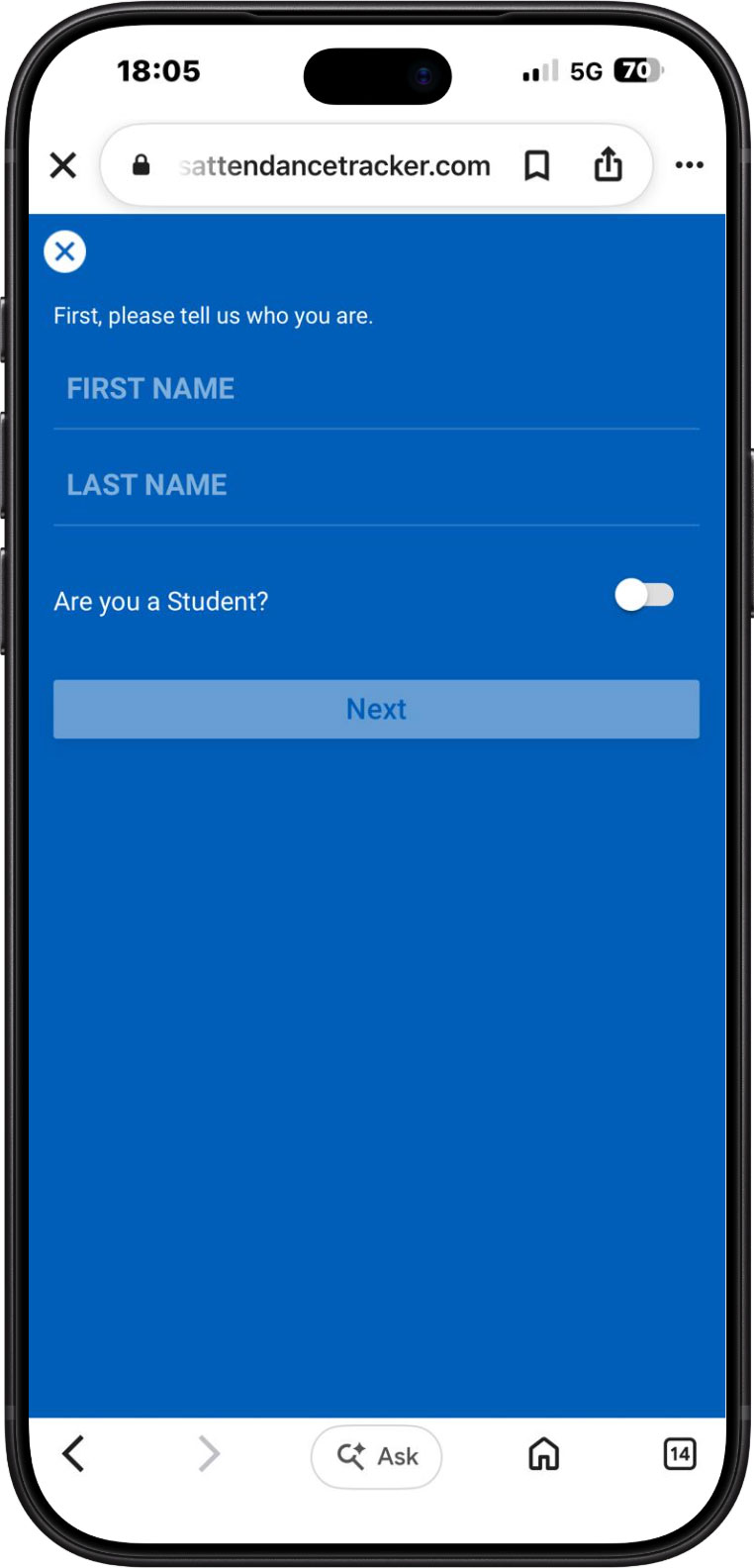
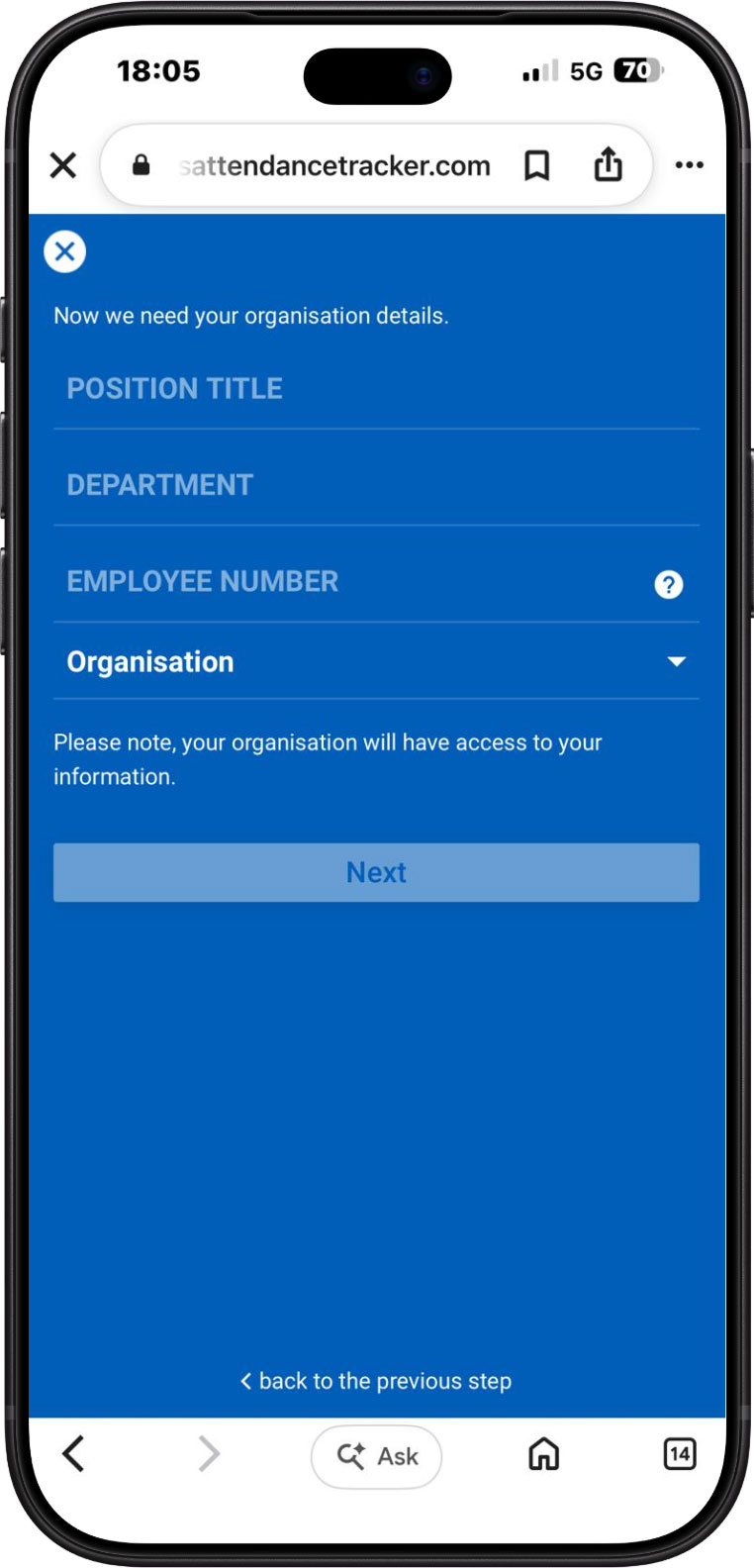
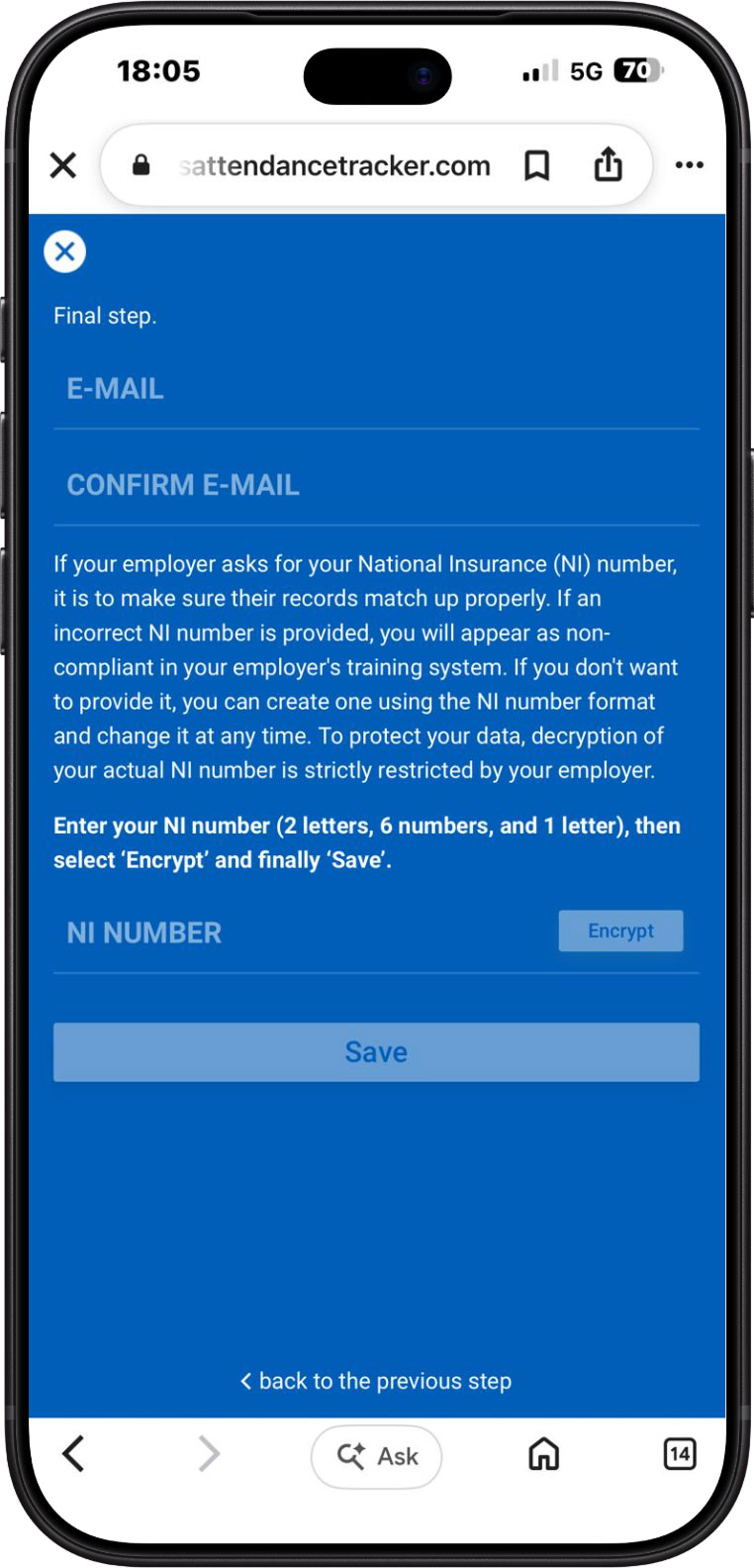
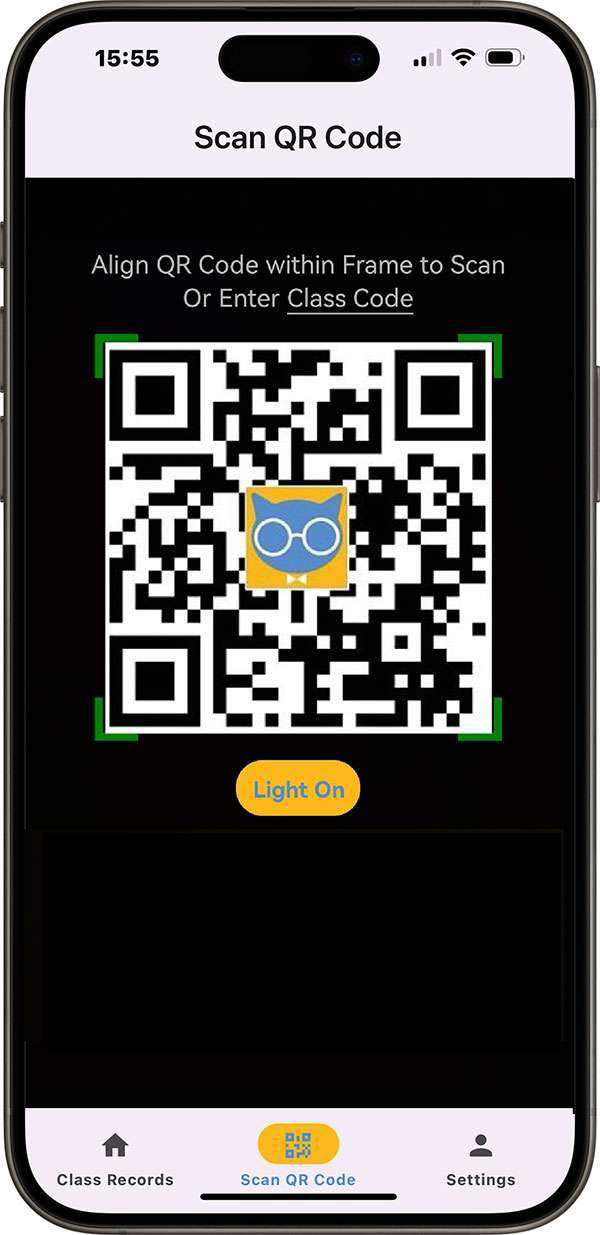
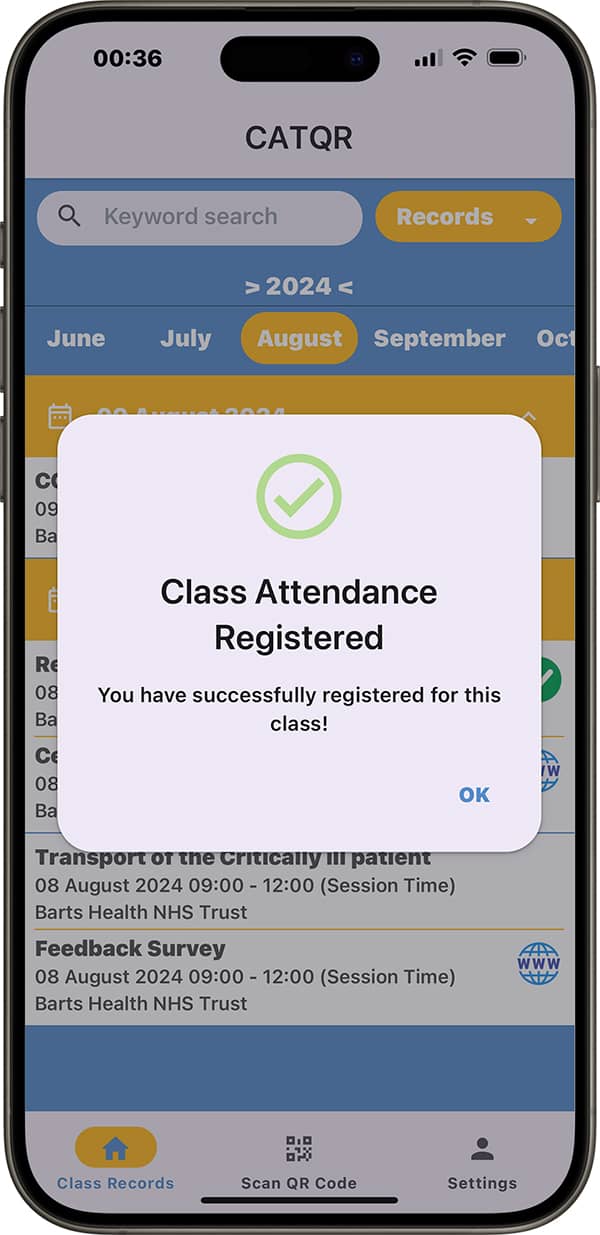
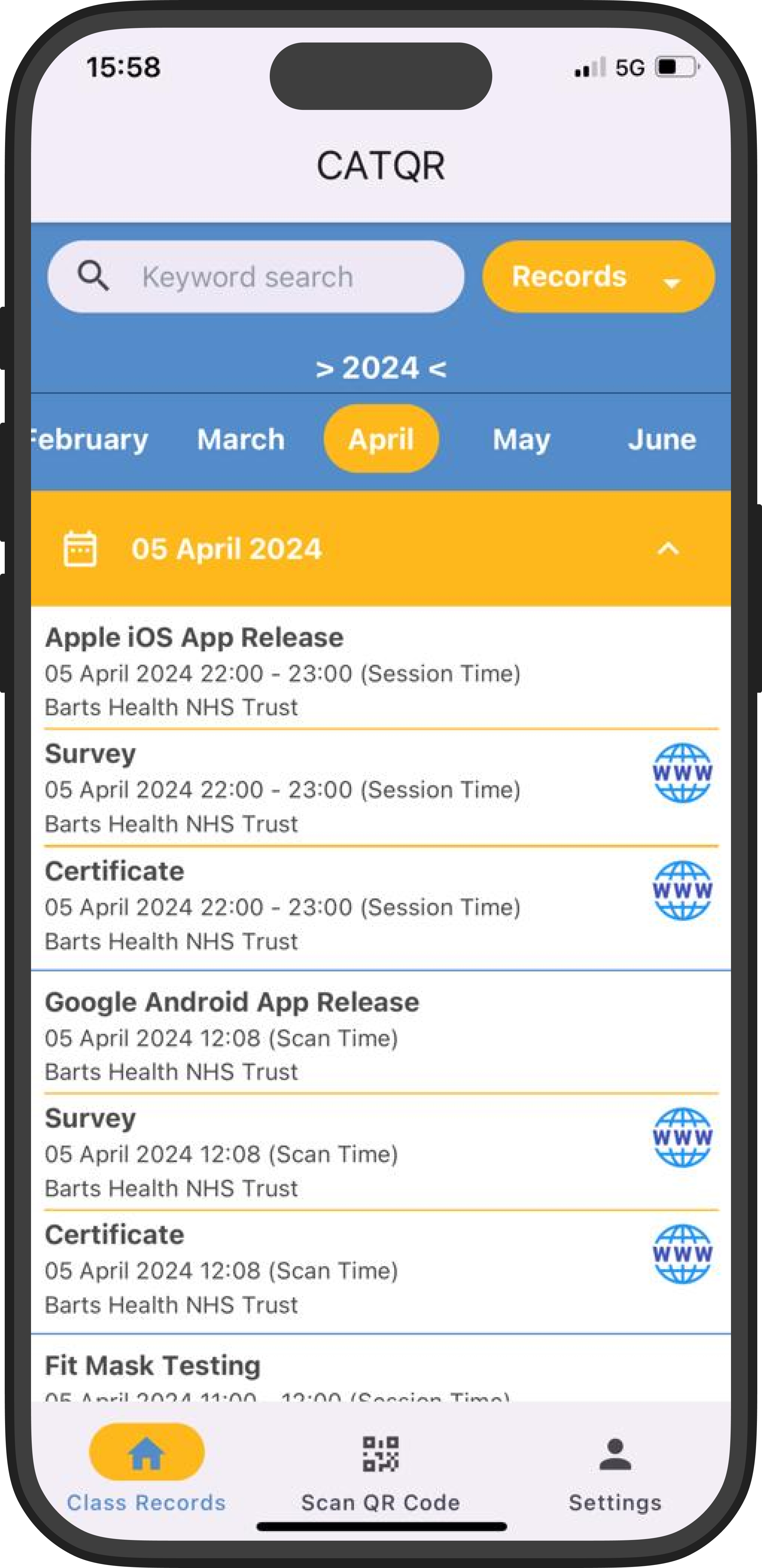
In addition to the Profile fields listed above, further data is captured at the point of attendance. When an individual scans the CAT Class QR Code, the system records the Class, the Attendance Date & Time, and links these directly to the individual’s Profile ID. Separately, the organiser (such as an administrator or trainer) may optionally record the Competency outcome for that session, for example a pass or fail and any notes. This ensures that class‑delivery, attendance and competency data are consistently aligned to the correct individual, supporting accurate compliance reporting across NHS organisations.
Individuals can be assured that their data is stored securely within Microsoft UK data centres. We hold all relevant cyber‑security accreditations, including Cyber Essentials Plus as mandated by the National Cyber Security Centre (NCSC). We have had zero data breaches and are registered with the UK Information Commissioner’s Office. For all processing activities, we act solely as the Data Processor, with each NHS Trust serving as the Data Controller for the information it provides and manages.

CATQR Now Available on the UK Government's G-Cloud Digital Marketplace. Click here to find out more.

“It’s great to see the reaction of staff when they use CAT and realise how simple it is to record their attendance – just by scanning a class QR code. Our administrators love it because there is no more manual data entry and spreadsheets to deal with, doing away with all the headaches that come with paper registers!”
Read the Barts Health NHS Trust Case Study
Anthony Dowding
Head of Training Resources and Development, Barts Health NHS Trust, UK

“Fantastic and easy to use! I needed a contactless solution for taking attendance at our small private school when students arrive and leave. We were able to easily purpose CAT to accomplish this and signing in/out of school for teachers and students has never been easier or quicker. Even beyond COVID, we will continue to use this system.”
Read the Score Academy Florida Case Study
C. LeAnn Elder
Head of School, Score Academy Florida, USA

“Having Class Attendance Tracker (CAT) QR has now revolutionised the way our GP registrars (trainees) register their attendance at our teaching sessions, and this would have been an impossible task with our switch to virtual teaching! CAT has made what was previously a clunky administrative process into a simple, streamlined one.”
Read the St Helier GPVTS Case Study
Dr Ravi Seyan
Programme Director, St Helier GP Vocational Training Scheme (GPVTS), UK
"Since the launch of the CAT, our process for recording and reporting attendances has improved immensely. We can easily keep track of our staff and students who can see their CAT attendance record in real-time on our learning portal, it is simple yet elegant. Customer support is excellent and enhancements are implemented quickly."
Read the Lewisham and Greenwich NHS Trust Case Study
Alberta Ansong
Digital Learning Lead, Lewisham and Greenwich NHS Trust, UK

